

OCTOBER 28, 2026
GitHub
Universe’26.
Big ideas. More capable agents.
Five Copilot releases to know.

Copilot is taking on more of the work around an idea: choosing models, coordinating projects, repeating useful tasks, and reviewing what ships. Here’s the launch, with a little of the energy from the room.
Five things to explore.
THE SHORTLISTOne task. The right mix of models.
Choose an effort level. Let Fusion work out the model choices.
Copilot Fusion routes work to one or more models. It can use a single model, escalate a first pass to a stronger model, or have another model critique a draft before revision.
It’s generally available across all Copilot plans in VS Code, the Copilot app, CLI, and JetBrains. Your organization’s model policies still apply.
Update your client, open the model picker, select Copilot Fusion, then choose Standard, High, or Max.
Usage is billed at the rates of the models used.
Read the Fusion announcement (opens in a new tab)The everyday starting point.
Prioritizes versatile models for everyday coding.
Think: a small feature or a focused code change.models
Illustrative guide. Change the actual effort level in Copilot’s model picker.
A home for more than code.
The Copilot app brings the task, its context, and the agents into one workspace.
Use connected tools such as Slack and Figma to research a request, work through a design, or draft a specification. You can also generate and edit images directly in chat.
Computer use is in public preview on macOS and Windows. With your approval, Copilot can navigate desktop apps and work through tasks using their interfaces.
Bring in a design and ask Copilot to turn it into a clear implementation plan. Review the plan, then direct the next step.
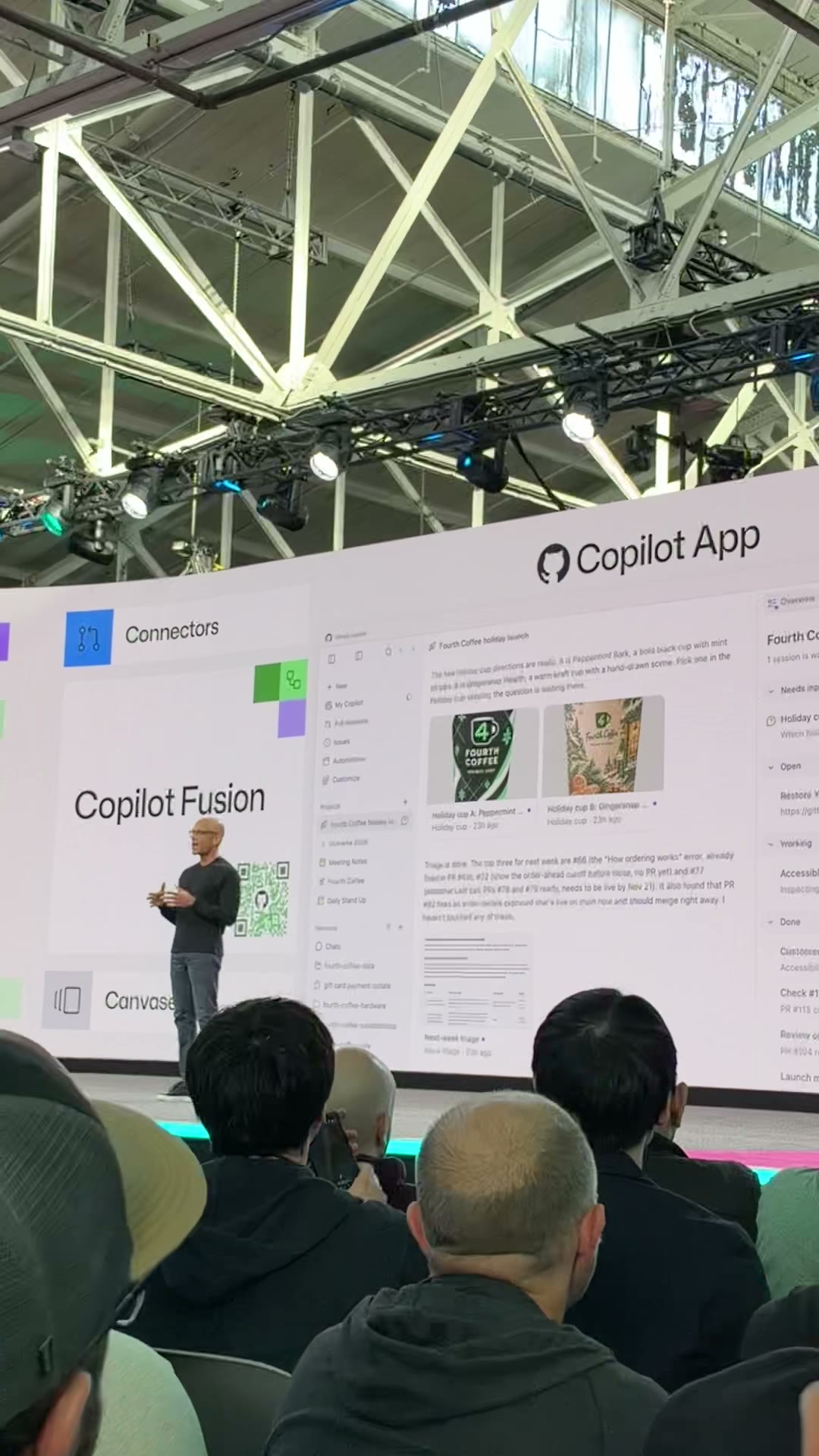
Start with a goal. Keep the context.
A project gives related work somewhere to live, even when it spans repositories or doesn’t need a repository at all.
What are we making?
Describe the outcome and constraints.
Bring the useful bits.
Add repos, design files, and notes to Library.
Review. Steer. Continue.
Follow sessions and results in Overview.
Projects are in public preview. Copilot coordinates sessions toward your goal; you can follow progress, provide direction, and review the artifacts it produces.
Use the project’s Library for reference material. Ask for recurring work when the project needs a regular check-in, then inspect its schedule in Automations.
Start a Copilot project (opens in a new tab)Help me prepare a launch for my new feature. Use the product notes and screenshots in this project’s Library. First draft a launch-page outline, list missing information, and propose the next tasks for my review.
A few moments from Universe.
Three short, silent excerpts from our keynote recordings. A little of the atmosphere around the announcements and demos.
The app in action
A coffee-ordering app in the live demo.
Meet Copilot Fusion
The Fusion announcement on stage.
Inside code review
A closer look at the review interface.
Give the repeat work a routine.
A prompt, a trigger, and the tools to do the job.
Copilot Automations run in the cloud. New triggers include security alerts and more pull-request events; workflows can also start through the API or chain together. You choose the tools and can set AI credit limits per run, day, week, or month.
Shared automations are rolling out. They belong to the repository, so a team can maintain the workflow together. Self-improving automations can propose changes based on outcomes; you review those changes before they apply.
Turn an alert into a next step.
Code scanning, secret scanning, and Dependabot alerts can trigger an automation. A useful starting point: investigate the alert and prepare a focused remediation plan.
When a code scanning alert is created, inspect the alert and relevant code. Summarize the risk and propose a fix with a validation plan. Ask for review before applying changes.
Make the useful checks repeatable.
Use a pull-request event to start a custom review. Feedback on its comments can help a companion automation propose improvements to the workflow over time.
When a pull request is marked ready for review, check the changed behavior and test coverage. Report actionable issues with file references. Each week, propose improvements based on which comments maintainers accepted.
The prompts above are starting ideas to adapt and configure, not preinstalled workflows. See shared-automation availability (opens in a new tab)
A deeper look before “merge.”
Copilot code review adds Max for changes that deserve more attention.
Max, now in public preview, brings together independent review agents using models from different providers. An aggregation agent checks and combines their findings into one review.
Lite and Balanced remain options for everyday work. Max takes longer and uses more AI credits, making it a more deliberate choice for complex or sensitive changes.
When enabled by an admin, Copilot can approve a pull request and count toward required approvals. Approvals are off by default; admins can control which paths Copilot may approve.
Review effort and approval settings are separate controls.